
RK3588 Thermal Design for Fanless Embedded Systems
Design fanless cooling for RK3588 systems with a measured power budget, reliable enclosure contact, thermal logging, and sustained workload acceptance tests.
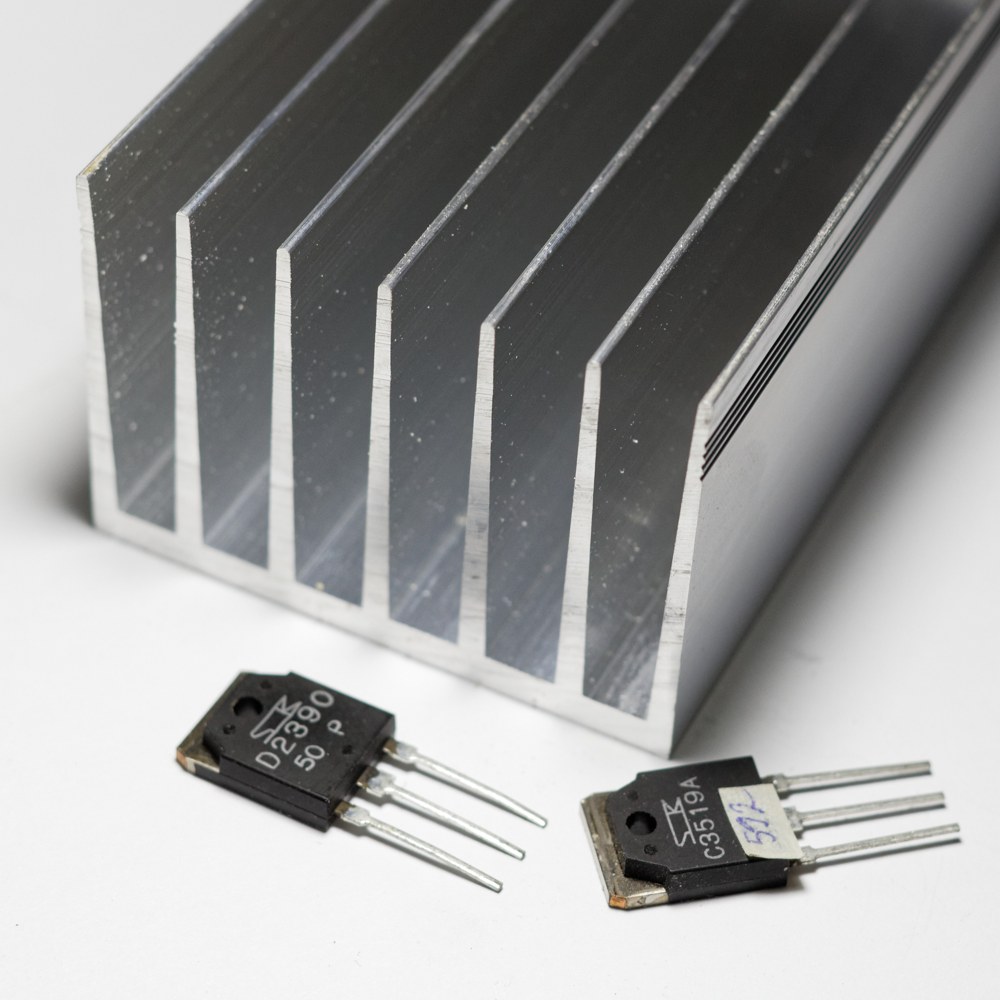
A large heatsink can postpone throttling without solving the thermal problem. For RK3588 thermal design, the important path runs from the processor package through the thermal interface and enclosure to the surrounding air.
A fanless product must reject heat continuously at its specified ambient conditions. An open development board on a desk does not establish that a sealed panel or edge computer can sustain the same workload.
This guide describes a calculation and measurement workflow. It does not report a measured RK3588 power figure, prescribe a universal heatsink size, or replace the component limits supplied for the actual board.
Define the workload and thermal boundary
Start with the complete operating state: CPU activity, graphics, NPU inference, video processing, storage writes, networking, display backlight, and any powered peripherals. Identify which loads occur together and how long they persist.
Separate steady operation from short bursts. A burst may be absorbed temporarily by thermal mass, while a sustained load requires a path that continuously transfers heat out of the product.
Measure input power with suitable instrumentation at the defined supply boundary. Record voltage, workload, attached devices, and whether the display or other accessories are included. The answer changes if one test powers a panel separately and another includes it.
Include power-conversion losses and heat from nearby components. A regulator or backlight driver can raise the local temperature around the processor even when it is not part of the processor power measurement.
Use a thermal budget before selecting metalwork
A simplified thermal-resistance calculation can reveal whether a proposed enclosure is plausible. If a design allocates a 40°C temperature rise to a heat path carrying 8W, the corresponding resistance budget is 5°C/W.
Those values are illustrative, not RK3588 operating data or approved limits. The real budget must use the component specifications, measured dissipation, ambient requirement, and a defined measurement point.
Do not substitute case temperature for junction temperature without an appropriate model. Interface resistance, package behavior, contact area, and sensor location affect the relationship. A processor’s internal sensor does not measure the outside surface that a user touches.
Allocate margin for material variation, assembly tolerances, contamination where applicable, and changes in workload. A design that passes only at a favourable room temperature offers little evidence for the hottest specified installation.
Build a controlled contact path
The thermal interface must bridge the actual mechanical gap between the package and the spreader. Check flatness, stackup tolerances, pad thickness, compression, and mounting force.
A thicker pad can accommodate a gap but may add thermal resistance. A thinner pad can improve the path only if it maintains reliable contact across the tolerance range. Use the material supplier’s data at the intended conditions rather than comparing conductivity figures alone.
Avoid transferring uncontrolled force through the processor package or bending the PCB. Mounting bosses, stops, and fasteners should establish repeatable compression. Account for repeated assembly during servicing.
Inspect contact on prototype units with an appropriate method. A convincing CAD section does not show whether the pad actually touches both surfaces after assembly. The fanless SBC guide discusses the wider enclosure and reliability considerations.
Make the enclosure reject heat
A metal enclosure can spread heat and expose more area to the air, but its effectiveness depends on geometry, orientation, surface properties, and surrounding obstructions.
A finned case installed against a wall may perform differently from the same case standing freely on a bench. Define the allowed mounting arrangement and cable clearance. Test the least favourable permitted installation.
For a sealed product, internal air circulation redistributes heat but does not remove it from the enclosure. The outside surface still needs to transfer that heat to the environment.
Consider user-accessible surface limits and nearby temperature-sensitive parts. Moving heat efficiently away from the processor can raise the temperature of the display, storage, connectors, or the touchable case. Processor temperature is only one acceptance criterion.
Log sensors without assuming their numbering
Linux exposes thermal zones through sysfs when the relevant drivers are available. Read the zone type before deciding what a numbered entry represents. The following read-only shell example is intended for a Linux system with a mounted sysfs:
for zone in /sys/class/thermal/thermal_zone*; do
    [ -r "$zone/type" ] || continue
    printf '%s: ' "$(cat "$zone/type")"
    cat "$zone/temp"
done
The common thermal-zone temperature representation is millidegrees Celsius; verify the relevant driver documentation. Record timestamps and operating frequencies with these readings so that temperature changes can be related to application performance.
Android may restrict access to these files. Use the authorized diagnostics supplied for the production BSP rather than weakening its security policy simply to collect a temperature log.
Test performance after temperatures stabilize
Run the actual workload in the complete enclosure, with the production power supply and representative peripheral load. Continue until the relevant temperatures and performance have stabilized according to a documented criterion.
A fixed short test duration can miss a slow enclosure warm-up. Use a consistent method that records ambient conditions, sensor placement, workload changes, and the point at which measurements are evaluated.
Monitor application deadlines, dropped frames, inference latency, storage errors, and resets. The edge AI pipeline is a good example: CPU, NPU, image processing, and recording can interact thermally even when each separate test looks acceptable.
Keep the platform’s protective controls enabled. If throttling occurs, evaluate the resulting performance and improve the heat path or adjust the workload. Raising temperature limits without supporting component and system evidence is not a cooling fix.
Release an assembly specification
Check the thermal assembly after the environmental and mechanical conditioning specified for the product. Interface materials can settle, fasteners can change preload, and service reassembly can disturb contact. Compare the same workload before and after conditioning using the same instrumentation. Treat a changed temperature rise as a reason to inspect the heat path rather than immediately increasing the software throttling threshold.
Document the thermal material part number, pad dimensions, contact surfaces, mounting method, enclosure finish, and inspection points. Include allowable substitutions and the tests needed to approve them.
Repeat checks on production-representative units, including relevant tolerance extremes. A hand-adjusted prototype with unusually good contact should not define the assembly process.
The industrial SBC validation plan should include the complete thermal configuration. A supplier’s board temperature claim does not establish performance inside your enclosure.
Release the design when it meets application deadlines, component limits, and accessible-surface requirements throughout the intended operating range. Keep logs attached to the hardware and image revisions so that a later performance or material change triggers a meaningful review.
Technical basis: Linux Generic Thermal Sysfs documentation, Rockchip platform thermal support, and the selected board and thermal-material specifications. The calculation above is a design example, not a measured platform rating.