
RK3588 Edge AI SBC: Workloads, Thermal Limits, and Deployment Tradeoffs
Plan an RK3588 edge AI SBC around the full camera-to-result pipeline, with guidance on model conversion, latency, memory, cooling, and field updates.
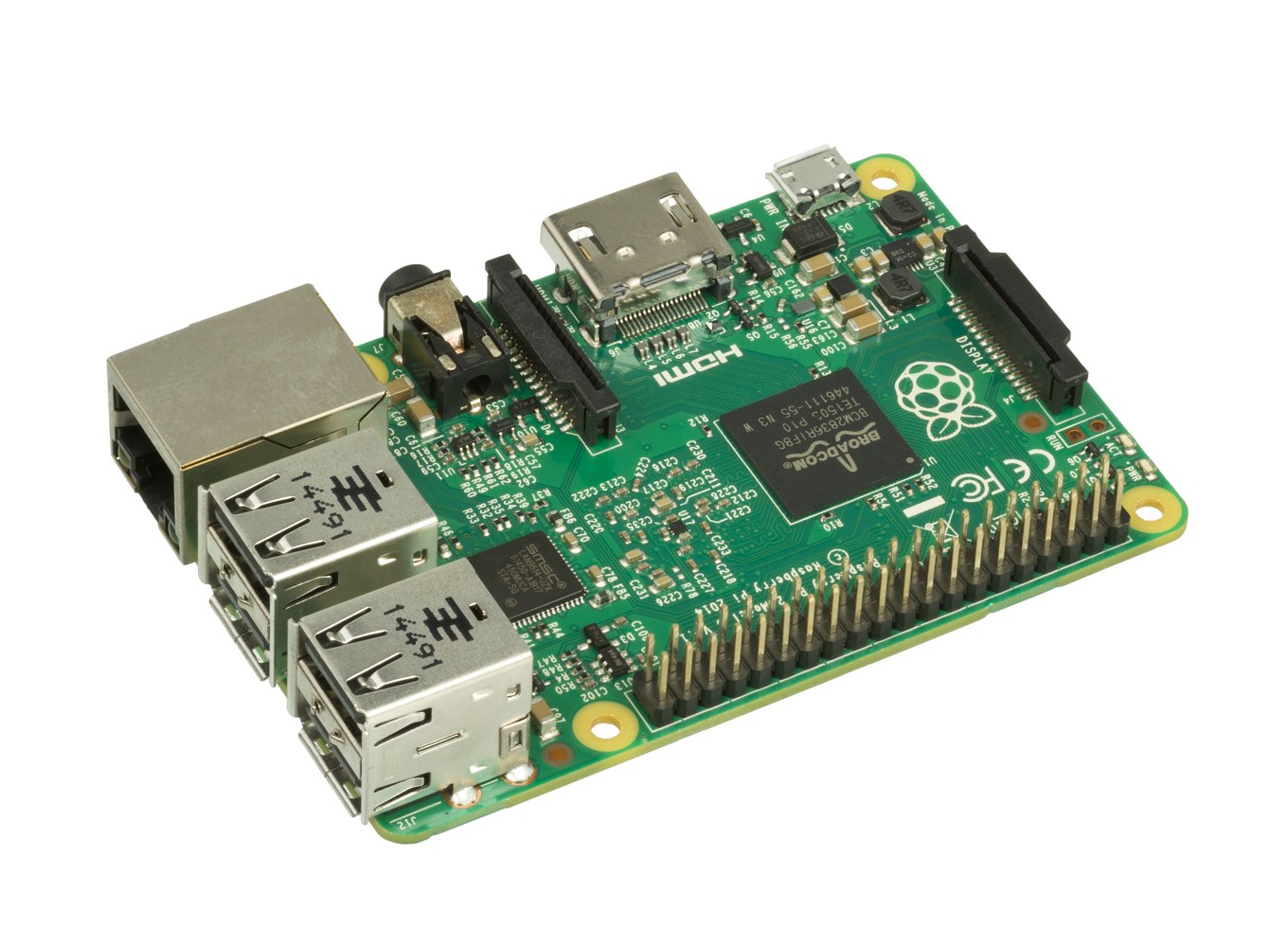
A detector that looks fast on a prepared input tensor may still deliver late decisions when a camera, display, recorder, and network service run together. An RK3588 edge AI SBC should therefore be selected around the complete application pipeline.
RK3588 combines general-purpose processing, graphics, media engines, and a dedicated NPU. Those resources offer several ways to partition a workload, but the useful performance depends on software support, memory movement, and sustained cooling. The advertised NPU rating is not a camera frame-rate guarantee.
This guide describes a deployment and acceptance process. It does not provide measured inference results for a particular board.
Define the result before choosing a model
Write the application requirement as a decision with a deadline. For an inspection station, that could be detecting a specified defect before the object reaches the reject mechanism. For a smart display, it might be updating an overlay while preserving a responsive interface.
Separate accuracy, latency, and throughput. Improving average frame rate does not necessarily reduce the oldest result in a queue. Likewise, a smaller model may be faster while missing the defects that justified the system.
Specify the camera mode, input dimensions, lighting range, expected scene variation, and allowed failure behavior. Include how the application handles an unavailable camera or an inference service that restarts.
Use a reference implementation and a representative validation set before conversion. Save model identifiers and dataset versions so that a later toolkit change can be evaluated against the same baseline rather than a few visually attractive examples.
Convert and validate the actual model
Rockchip’s RKNN software separates model conversion from execution on the target device. Keep the conversion toolkit, runtime, and kernel-driver compatibility documented. A model file is only one part of the deployable system.
Start with a known export of the trained network. Check tensor shapes, supported operators, input preprocessing, and output interpretation. Unsupported or differently implemented operations need investigation, not an assumption that the converter will preserve every detail.
Quantization introduces another validation step. Use calibration samples representing the operating conditions, then compare task-level accuracy against the reference. A numerically small difference can still move borderline examples across the application’s decision threshold.
Retain the conversion log and the settings used to produce the model. If a supplier provides a converted file, ask for the corresponding source-model identifier and reproducible conversion procedure. Otherwise, future debugging may depend on an artifact nobody can recreate.
Find the cost outside inference
Capture, decode, resize, color conversion, normalization, inference, and postprocessing may use different hardware blocks and memory formats. Every transition deserves a measurement.
Repeated copies can consume bandwidth while the accelerator appears underused. Look for compatible buffer-sharing paths, but verify cache synchronization, ownership, and lifetime. Reusing a buffer too early can produce intermittent incorrect outputs that resemble model instability.
Postprocessing can also dominate. Detection pipelines may perform filtering, coordinate transforms, and non-maximum suppression on the CPU. Measure these stages with realistic numbers of candidate detections rather than a nearly empty scene.
The RK3576 vs RK3588 choice should use this full breakdown. If preprocessing is the bottleneck, comparing accelerator headlines will not tell you whether the larger processor delivers enough benefit.
Bound queues and make latency visible
For a live application, decide whether old frames should be processed or discarded. A recorder may need every frame; an operator preview often needs the newest frame. Combining both policies in one unbounded queue creates unpredictable delay.
Timestamp frames at a defined capture point and carry that identifier through the pipeline. Measure when a usable result reaches the consuming application. Document whether the timestamp represents sensor exposure, driver delivery, or application receipt.
Record median and high-percentile latency, deadline misses, dropped frames, and restart behavior. Average throughput alone can hide rare delays that matter to the machine or operator.
A three-frame queue at 30 frames per second can represent roughly 100 milliseconds of queued frame time before other processing is counted. This is an illustrative timing calculation, not a measurement of an RK3588 board. Queue policy must follow the product’s deadline and loss tolerance.
Budget memory, storage, and power together
Camera buffers, decoded frames, model weights, intermediate tensors, graphics surfaces, and recording caches all compete for memory. Measure peak usage while diagnostics and the update service run alongside the application.
Test the actual RAM configuration intended for production. A prototype with abundant memory can conceal pressure that appears on a cheaper variant. The RAM sizing workflow helps turn that decision into a repeatable test.
Recording adds a storage problem. Define retention, write rate, capacity limits, and behavior when space becomes scarce. Logging should not block a time-critical decision or exhaust the filesystem used for system updates.
Include camera modules, lighting control, network activity, storage, and power-conversion losses in the input-power budget. A processor-only figure cannot size the complete supply or establish enclosure temperature.
Validate sustained operation in the enclosure
Thermal behavior changes after the assembly warms up. Run concurrent CPU, NPU, media, and storage workloads that represent the busiest credible operating state, then observe the application after temperatures stabilize.
Log operating frequencies and temperature beside response times. If throughput drops, determine which processing stage changed and whether the application still meets its deadline. Protective throttling is expected behavior under some conditions; acceptance depends on the resulting product performance.
A fanless RK3588 design requires a controlled heat path to the enclosure and adequate external heat rejection. A large heatsink floating in warm sealed air may only delay the problem.
Repeat the trial at the specified ambient limits and supply conditions. Keep sensor placement and enclosure orientation consistent so that comparisons between revisions remain meaningful.
Package AI as a maintained software release
Validate coordinate handling through the complete display path. Letterboxing, cropping, rotation, and resizing can shift a detection overlay even when the model output is correct. Preserve the transformation parameters for each frame and test objects near all four image edges. A visually plausible box near the centre is insufficient evidence that a reject zone or operator annotation will be placed correctly.
A field update may change the model, preprocessing, runtime, or decision thresholds. Version them together and validate the combinations that may exist during rollout and rollback.
Define health checks that reflect useful work. A running process does not establish that frames are current, inference succeeds, or results reach the application. Monitor stale timestamps, persistent conversion errors, and repeated restarts.
Before production, preserve a release bundle containing the image identifier, model hash, conversion environment, validation results, thermal logs, and recovery procedure. Agree who owns the next security fix and the next model update.
Choose the board only after that bundle shows acceptable accuracy and deadlines under sustained load. A successful demonstration becomes a deployable product when its behavior can be reproduced, monitored, and restored.
Technical basis: Rockchip RK3588 specifications, RKNN-Toolkit2 documentation, and RKNN Model Zoo deployment examples. Workload recommendations are engineering evaluation guidance rather than platform benchmark claims.