
RK3562 vs RK3566 for Cost-Sensitive Android HMI Designs
Compare RK3562 and RK3566 for Android HMI projects using display interfaces, application responsiveness, BSP readiness, and the full production BOM.
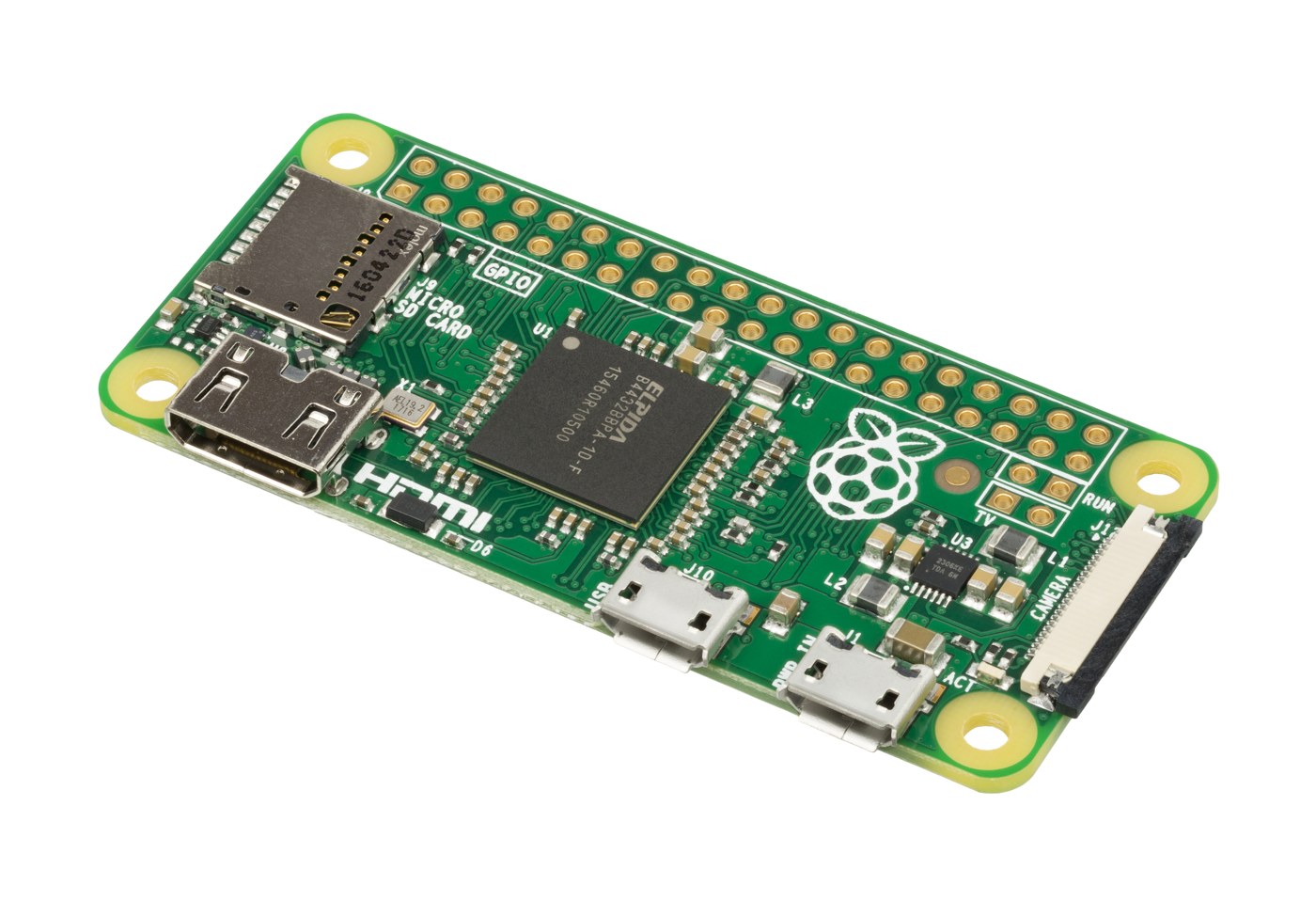
A lower processor price matters only if the complete panel controller becomes cheaper without compromising the application. For RK3562 vs RK3566, start with the display assembly, the production Android image, and the software workload.
RK3562 uses four Cortex-A53 CPU cores; RK3566 uses four Cortex-A55 cores. Both offer acceleration features, but neither a core name nor a clock figure tells you whether a touchscreen application will remain responsive during database activity or background communication.
This is a cost and integration guide, not a benchmark comparison. Exact prices, Android releases, and supported panels depend on the board and supplier.
Freeze the screen requirements first
The panel is often the least flexible part of an HMI once industrial design is approved. Record its model, electrical interface, timing, power rails, backlight requirements, touch controller, and operating conditions.
Rockchip lists LVDS, MIPI DSI, and RGB display interfaces for RK3562. The RK3566 brief lists additional output options, including HDMI and eDP. These are silicon capabilities; connector availability and working panel support depend on the board implementation.
If the selected screen requires a bridge, include its cost, supply risk, power rails, driver integration, and initialization sequence. A slightly cheaper processor can produce a more expensive display subsystem when additional circuitry is needed.
The LVDS and MIPI decision also affects cable routing and mechanical design. Test the production cable and power sequence before approving the architecture, especially when the panel and controller sit on separate assemblies.
Use application response as the CPU test
Build a repeatable operator sequence: cold boot, first screen, largest data view, rapid navigation, settings changes, and return to the main screen. Repeat while communication and logging remain active.
Measure touch-to-feedback time and visible pauses rather than relying on a short CPU benchmark. A user notices delayed confirmation even when average processor utilization looks low.
Use the same application version and representative dataset on both boards. Keep graphics resolution, animation settings, network behavior, and background services controlled. Otherwise, the comparison may measure different software configurations rather than processor suitability.
If the application uses WebView, test its real content and intended update policy. A simple local HTML page is not equivalent to a growing dashboard with charts, large tables, and several scripts. Record the WebView version alongside the Android image.
Memory and storage can decide responsiveness
An HMI may spend more time waiting for flash than executing CPU instructions. Check storage behavior during database commits, log rotation, first application launch, and updates.
Do not reduce RAM solely because an idle demonstration leaves memory free. The production image also needs room for graphics buffers, services, diagnostic tools, and transient allocations. Test the smallest intended configuration under the busiest credible sequence.
The Android RAM guide provides a workload-based approach. Retain an explicit allowance for future features rather than assuming that compression or cache reclaim will always cover growth.
Specify storage capacity and endurance expectations separately. A larger package does not automatically establish better endurance, and a fast new device does not establish stable behavior after substantial use. Ask the supplier how the selected storage part is qualified and how substitutions are controlled.
Calculate the complete production cost
Processor quotations are only one line of the BOM. Normalize the memory configuration, storage, power supply, connectors, display circuitry, and temperature grade before comparing board prices.
Include non-recurring work: panel integration, custom driver changes, test fixtures, compliance preparation, and the effort to establish a reproducible image. A board that already supports the exact panel may save engineering time even if its unit price is higher.
A useful break-even calculation is simple. If one design adds $8,000 of engineering cost but saves $2 per unit, it needs 4,000 units to recover that difference before other costs. These figures are illustrative arithmetic, not a quotation for either platform.
Volume uncertainty matters. A saving that depends on an optimistic lifetime forecast may never appear. Evaluate the lower and expected production volumes, and include the cost of maintaining a second board variant if both platforms remain in the product range.
Review the Android BSP before committing
Ask for a production-oriented image and its matching build instructions. Confirm the panel, touch, audio, network, storage, and field interfaces that work on that exact release.
An attractive home screen does not demonstrate update recovery, application permissions, secure boot configuration, or the ability to integrate a security patch. Review these before the hardware selection becomes expensive to reverse.
The Rockchip Android BSP review should include source access, binary dependencies, toolchain versions, signing responsibility, and who fixes a driver problem. Avoid treating a downloadable image as a complete maintenance arrangement.
If Google services are required, define that requirement explicitly with the supplier and verify the applicable licensing and certification path. Do not assume an AOSP-based industrial image includes Google applications simply because it runs Android.
Prove the cost reduction in the enclosure
Test the first interaction after a long idle interval, not just repeated navigation. Storage power states, application resource loading, network reconnection, and screen wake can coincide at that moment. Define the acceptable delay and whether an operator input received during wake must be retained. This check often reveals a different constraint from the continuously active demonstration used during board selection.
A smaller HMI board still needs reliable power and a controlled thermal environment. Test with the final backlight setting, actual supply, and realistic communication traffic.
Run the busiest operator sequence after the assembly warms up. Record resets, slow frames, storage errors, lost touch input, and application restarts. Check recovery after a deliberate cable interruption and the approved power-loss test.
Examine service access as well. A connector omitted to reduce BOM may make field recovery impossible without disassembly. Include maintenance time and the required service fixture in the cost review.
Use multiple production-representative samples when qualifying the design. One working prototype does not establish tolerance to component variation, assembly differences, or the extremes of the specified operating environment.
Make the purchasing decision repeatable
Choose RK3562 when the exact panel and controlled application meet their requirements at the better complete cost. Choose RK3566 when its implemented display options, application behavior, or existing software integration justify the difference.
Keep an acceptance record with board revision, component configuration, image hash, panel identification, test sequence, and measured limits. That record gives purchasing a specification that engineering has actually approved.
Before a substitute part or revised image enters production, rerun the relevant checks. A low-cost architecture remains low cost only when changes do not repeatedly reopen panel, software, and reliability problems.
Technical basis: Rockchip RK3562 product specifications and RK3566 Brief Datasheet. Board compatibility, operating limits, and pricing require confirmation for the chosen configuration.