
Android SBC with LVDS and MIPI Display: Design Considerations
Learn how to design Android SBC products with LVDS and MIPI displays. Covers LCD interface selection, device tree settings, touch panel integration, backlight control, cable design, optical bonding, and production validation.
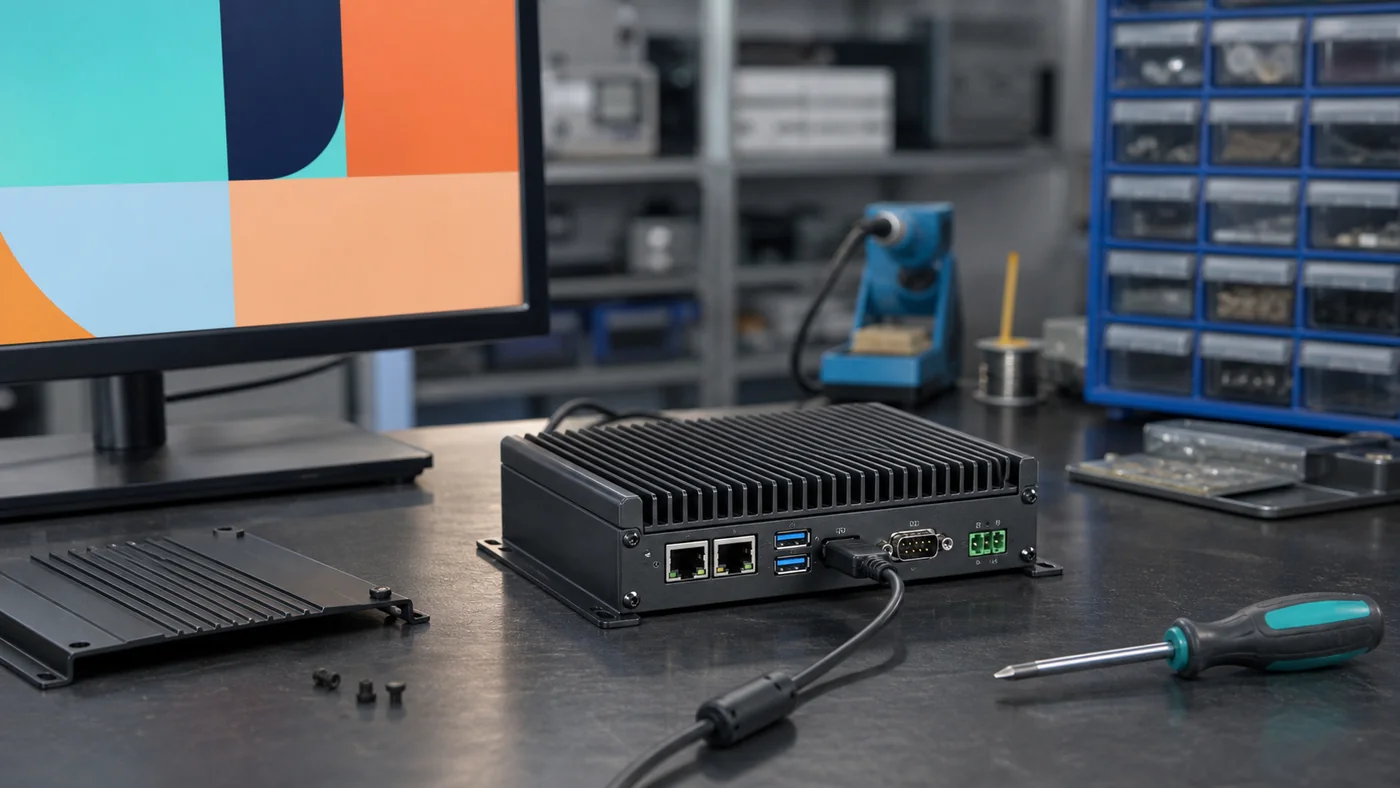
Display integration is one of the most important parts of an Android SBC product. A board can have a strong processor, enough RAM, and a stable Android system, but if the display flickers, the touch panel loses events, the backlight behaves unpredictably, or the cable does not fit the enclosure, the product will not feel professional.
LVDS and MIPI DSI are two common display interfaces used with Android SBCs. Both can be excellent choices, but they are suited to different product conditions. LVDS is widely used in industrial panels and embedded displays where cable stability and moderate distance matter. MIPI DSI is common in compact, high-resolution, mobile-style products where fewer signal lines and thin mechanical design are important.
This article explains how to think about LVDS and MIPI display design for Android SBC products.
Why Display Interface Choice Matters
The display interface affects hardware layout, cable design, signal integrity, driver development, display selection, enclosure thickness, and long-term supply. Choosing the wrong interface can create problems that appear late in the project, after the LCD, touch panel, and mechanical structure are already selected.
An Android SBC product is not just a board with a screen. The system includes the SoC display controller, board connector, cable, LCD panel, touch controller, backlight driver, power sequencing, Android kernel, device tree, and application behavior. A weakness in any part can become a field issue.
For example, an LVDS panel may need a specific pixel clock and lane mapping. A MIPI panel may need initialization commands from the panel vendor. A touch panel may work on a bench but fail after cover glass and bonding. These details should be handled before pilot production.
LVDS Display Basics
LVDS stands for Low Voltage Differential Signaling. It is widely used in industrial and embedded display products because it provides stable differential signaling and practical internal cable distances. Many 7-inch, 10.1-inch, 12.1-inch, 15.6-inch, and larger TFT displays support LVDS.
LVDS is often a good fit for industrial HMI panels. It is less fragile than wide RGB parallel signaling over longer cable paths and is familiar to many display suppliers.
Important LVDS checks include:
- Single-channel or dual-channel LVDS
- Resolution and refresh rate
- Pixel clock
- Color depth
- Lane mapping
- Connector pinout
- Cable length
- Shielding and grounding
- Backlight power
- Panel supply voltage
Do not assume two LVDS panels are interchangeable. Pinout and timing can vary.
MIPI DSI Display Basics
MIPI DSI is common in mobile devices, smart panels, handheld terminals, and compact embedded products. It supports high-resolution displays with relatively few signal lines, which can simplify compact mechanical designs.
MIPI DSI can be very efficient, but it often requires closer coordination between the Android BSP and the panel specification. Many MIPI panels need initialization command sequences, reset timing, power sequence control, and lane configuration.
Important MIPI checks include:
- Number of DSI lanes
- Panel initialization commands
- Video mode or command mode
- Lane speed
- Reset and enable pins
- Power rails and sequencing
- Touch controller coexistence
- Cable impedance and length
- Driver availability
MIPI DSI is not always plug-and-play. The board supplier and display supplier need to work together.
LVDS vs MIPI DSI
| Factor | LVDS | MIPI DSI |
|---|---|---|
| Common product fit | Industrial panels, larger embedded displays | Compact smart panels, mobile-style devices |
| Cable distance | Usually more forgiving | Usually shorter and more sensitive |
| Signal type | Differential | High-speed serial |
| Panel setup | Timing and mapping | Timing plus initialization commands |
| Mechanical fit | Larger connector/cable often acceptable | Better for thin compact products |
| Driver risk | Moderate | Can be higher without panel support |
| Typical screen size | 7-inch to larger panels | Small to medium panels, high resolution |
The right choice depends on product design. For a wall-mounted industrial HMI with a 10.1-inch panel, LVDS may be practical. For a slim smart home panel with a compact display, MIPI DSI may fit better.
Device Tree and Android BSP Work
On Android SBC platforms, display support usually involves kernel and device tree changes. The device tree describes the display timing, interface configuration, GPIOs, backlight, panel power, and sometimes touch mapping.
A simplified display configuration may include:
panel {
    compatible = "simple-panel";
    power-supply = <&vcc_lcd>;
    backlight = <&backlight>;
    enable-gpios = <&gpio1 12 GPIO_ACTIVE_HIGH>;
    display-timings {
        native-mode = <&timing0>;
        timing0: timing0 {
            clock-frequency = <71000000>;
            hactive = <1280>;
            vactive = <800>;
        };
    };
};
The exact syntax varies by kernel and vendor BSP, but the principle is the same: the display must be described correctly at system level. If a vendor only provides a binary image and no support for device tree changes, custom display integration becomes risky.
Backlight Control
Backlight behavior affects user experience, power consumption, thermal design, and product reliability. A good Android SBC display design should support stable brightness control, screen timeout, sleep behavior, and wake recovery.
Backlight issues often appear as flicker, uneven brightness, startup flashes, delayed screen-on behavior, or excessive heat. Engineers should test minimum brightness, maximum brightness, PWM frequency, dimming smoothness, and power sequencing.
For industrial or medical products, brightness may need to be predictable and repeatable. A display that looks acceptable in a lab may be too dim in a factory or too bright in a dark room.
Touch Panel Integration
The LCD and touch panel should be validated together. A capacitive touch panel usually connects through I2C or USB, but the electrical and mechanical environment affects performance.
Touch issues can come from:
- LCD noise
- Poor grounding
- Long touch cable
- Thick cover glass
- Incorrect firmware tuning
- Weak ESD design
- Power supply noise
- Enclosure interference
If the product will be used with gloves, moisture, or frequent cleaning, test those conditions early. A display supplier can help align LCD, touch, cover glass, bonding, and cable design with the embedded platform requirements.
Cable and Connector Design
Display cables are often underestimated. LVDS, MIPI, backlight, touch, and power cables must fit the enclosure and survive assembly. Cable bend radius, connector locking, shielding, impedance, grounding, and service access matter.
For MIPI DSI, cable quality and length are especially important because signal speed is high. For LVDS, pair mapping and shielding must be correct. For backlight, current and thermal behavior must be considered.
During prototype assembly, record cable routing and connector handling. If assembly requires bending a cable sharply or pulling against a connector, production yield may suffer.
Optical Bonding and Cover Glass
Many professional display products use cover glass or optical bonding. Optical bonding can improve readability, reduce internal reflections, increase durability, and improve perceived quality. However, it can also affect touch tuning, mechanical tolerance, repairability, and cost.
For outdoor or bright environments, high brightness, anti-glare treatment, wide viewing angle, and optical bonding may be more important than raw CPU performance. Display decisions should be made together with product environment requirements.
Production Validation
Before release, validate the display system as a complete product:
- Cold boot display startup
- Warm reboot
- Sleep and wake
- Brightness adjustment
- Touch accuracy
- Long-run display test
- High and low temperature
- ESD test
- Cable vibration or movement
- OTA update recovery
- Factory LCD and touch test
If the display is a key part of the product, it deserves its own validation plan.
Conclusion
LVDS and MIPI DSI are both strong display interface choices for Android SBC products. LVDS is often practical for industrial displays and larger embedded panels. MIPI DSI is strong for compact, high-resolution, mobile-style designs. The right choice depends on screen size, cable length, enclosure, BSP support, touch panel, and production requirements.
Successful display integration requires coordination between hardware, firmware, mechanical design, and display suppliers. Treat the screen, touch panel, cable, backlight, and Android BSP as one system. That approach reduces integration risk and produces a better final device.
Frequently Asked Questions
Is LVDS or MIPI better for an Android SBC display?
Neither is always better. LVDS is common in industrial displays and longer internal cable runs, while MIPI DSI is strong for compact high-resolution panels. The right choice depends on screen size, enclosure, cable length, driver support, and production requirements.
Why do Android SBC display projects need BSP work?
Android display support often requires kernel, device tree, panel timing, backlight, power sequencing, and touch driver configuration. A panel connector alone does not guarantee production-ready support.
Should touch and LCD be validated together?
Yes. Touch performance depends on the LCD, cover glass, grounding, bonding, enclosure, and Android driver stack. The final display assembly should be tested as a complete system.