
Android SBC vs Linux SBC: Which Platform Is Better for Embedded Products?
Compare Android SBC vs Linux SBC for embedded products. Learn when Android is better for touchscreen devices and when Linux is better for direct hardware control, lightweight systems, and long-term embedded customization.
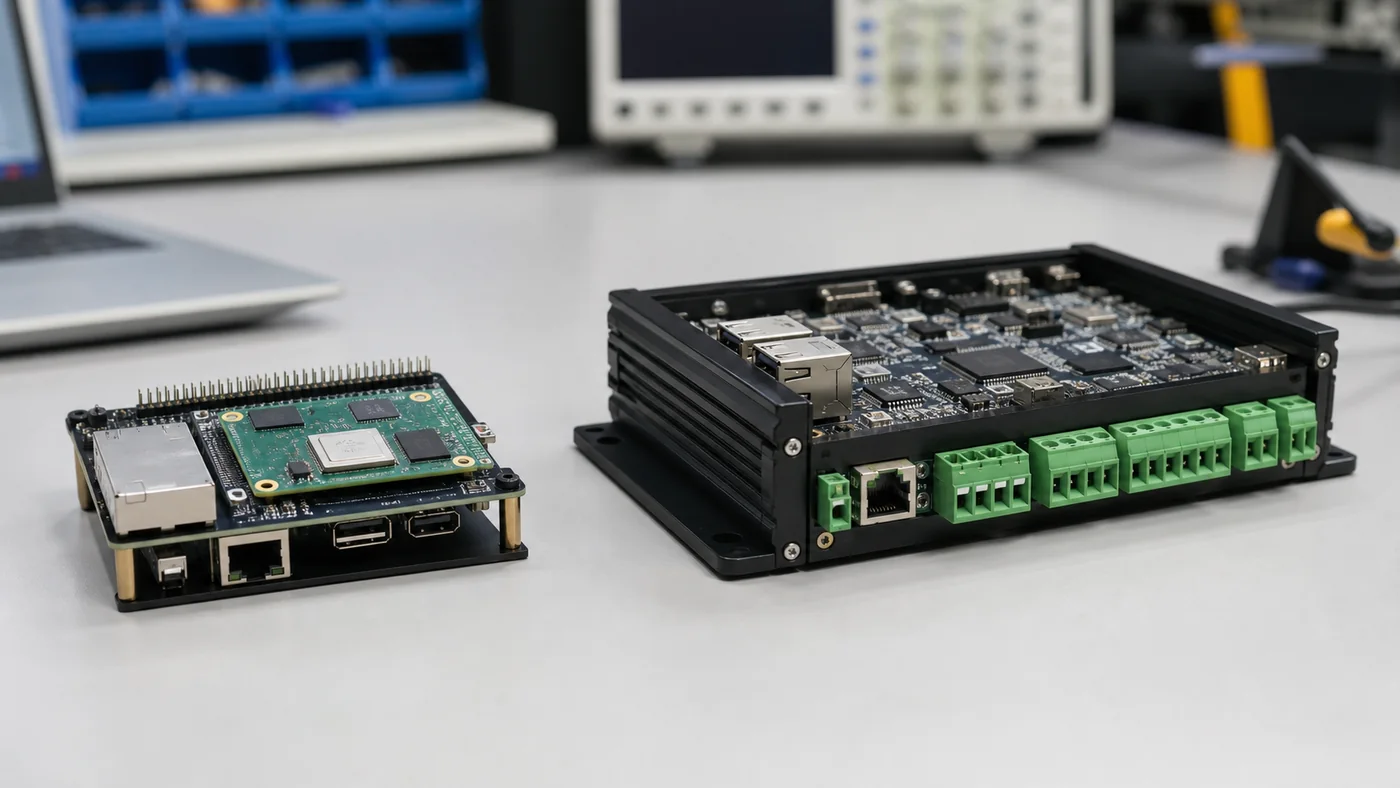
The choice between an Android SBC and a Linux SBC is one of the earliest architecture decisions in many embedded product projects. Both platforms can drive displays, connect to networks, control peripherals, and run custom applications. Both can be used in industrial HMI, medical terminals, smart home panels, kiosks, gateways, and commercial devices. Yet they lead to different development workflows and different product risks.
The mistake is to treat the decision as a simple operating system preference. Android is not automatically “more modern,” and Linux is not automatically “more professional.” Android is strong when a product needs a rich touch interface, multimedia, wireless configuration, user accounts, and application-level deployment. Linux is strong when a product needs tight hardware control, lightweight services, predictable system behavior, and a smaller software stack. This is why UI-driven embedded products increasingly adopt Android boards.
This article compares Android SBC and Linux SBC platforms from an embedded product perspective. The goal is not to declare one winner, but to help engineering teams choose the platform that matches the product.
What Is an Android SBC?
An Android SBC is a single board computer designed to run an Android system image. It usually includes an ARM SoC, RAM, eMMC storage, display output, touch input, Ethernet, USB, serial ports, wireless modules, GPIO, and sometimes CAN or RS485. The board vendor provides an Android BSP with bootloader, kernel, device tree, Android framework configuration, drivers, and flashing tools.
Android SBCs are common in products that need a tablet-like interface but cannot use a consumer tablet. Examples include smart home control panels, industrial HMI panels, medical touchscreen devices, retail terminals, access control devices, EV charger screens, and IoT dashboards.
The application is usually written in Java, Kotlin, native C++, or a cross-platform framework. The system can be locked into kiosk mode so the user only sees the product application.
What Is a Linux SBC?
A Linux SBC runs an embedded Linux distribution such as Debian, Ubuntu Core, Yocto, Buildroot, or a vendor-provided Linux image. It may use the same class of ARM SoC as an Android board, but the software stack is different. Linux applications can be written in C, C++, Python, Go, Rust, Qt, GTK, web frameworks, or custom services.
Linux SBCs are common in gateways, controllers, industrial communication devices, machine interfaces, automation equipment, data loggers, edge devices, and products that need direct control over hardware interfaces.
Linux gives engineers a clear and flexible system model: services, device files, networking, permissions, logs, boot scripts, and kernel modules. That clarity is valuable when the product is closer to a controller than a user-facing tablet. The embedded Linux distribution still needs to fit the production and maintenance model.
UI and User Experience
Android has a strong advantage when the product needs a polished touch interface. The Android UI framework is mature, animation support is strong, and many developers already know how to build responsive screens. If the product requires menus, settings, media playback, QR code scanning, Wi-Fi setup, account login, maps, video, or multilingual UI, Android can reduce application development time.
Linux can also build excellent interfaces, especially with Qt or browser-based frontends. However, the team needs to manage more of the stack. Touch behavior, window management, input events, screen rotation, GPU acceleration, fonts, virtual keyboard, and update flow may require more engineering decisions.
For a commercial product where the user expects a phone-like experience, Android often feels more natural. For a machine interface with stable screens, clear buttons, charts, and simple controls, Linux can be more than enough.
Hardware Access
Linux is usually easier for direct hardware access. UART, GPIO, SPI, I2C, CAN, PWM, and USB devices are commonly exposed through device files, sysfs, character devices, SocketCAN, or standard libraries. Engineers can write services that communicate with hardware without fighting the application sandbox.
Android can access the same hardware, but the path is more controlled. A normal Android application may not have permission to open serial ports, toggle GPIO, or access CAN directly. Vendors often provide SDKs, native libraries, system services, or custom HAL layers. This works well when documented, but it creates dependency on the board supplier.
For example, an industrial Android HMI that needs RS485 communication may rely on a vendor serial API. A Linux gateway can often use standard serial device access. The Android approach may be better for application developers, while the Linux approach may be better for system engineers.
BSP and Customization
Both Android and Linux require BSP support, but the work feels different.
Android BSP customization often includes boot logo, boot animation, launcher behavior, hidden system bars, application auto-start, permission changes, system service modification, display driver adaptation, touch driver support, OTA behavior, and factory reset control. The Android framework adds power, but also complexity.
Linux BSP customization may include kernel configuration, device tree changes, bootloader settings, root filesystem creation, service management, update framework, driver modules, and display stack configuration. The system is usually more transparent, but the team must define more of the product experience.
If the supplier provides a mature Android BSP with good documentation, Android can be efficient. If the supplier only provides a demo image with limited source access, Android customization can become painful. Linux has the same risk, but experienced teams often have more standard tools to recover.
Boot Time and System Weight
Linux usually boots faster and can be made much smaller. Buildroot and Yocto images can start a dedicated application quickly. This matters for controllers, gateways, and devices that must recover rapidly after power loss.
Android is heavier. It starts more services, initializes the framework, and prepares the application environment. Boot time can be optimized, but Android rarely matches a minimal embedded Linux image. For many HMI products this is acceptable; users may tolerate a 20 to 40 second boot if the product usually stays powered. For safety-critical or machine-control products, it may not be acceptable.
System weight also affects storage, memory, update size, and attack surface. Android usually needs more RAM and eMMC. Linux can run in smaller footprints when designed carefully.
Updates and Maintenance
Android supports familiar application-level updates. If the main HMI is an APK, the team can update the application without rebuilding the whole firmware. Android also supports full system updates, A/B update schemes, and recovery flows, depending on BSP support.
Linux update strategy is flexible but must be designed. Options include package updates, image-based updates, RAUC, SWUpdate, Mender, OSTree, custom OTA systems, or container updates. This flexibility is useful, but it requires engineering discipline.
For field devices, update reliability matters more than platform identity. A good update system should survive power loss, verify images, support rollback, protect configuration, and keep logs for support.
Security Model
Android has a strong application sandbox and permission model. This helps when third-party apps or user-level features are involved. However, embedded products often run custom system builds, and careless root access, debug services, or open ADB can weaken security.
Linux gives engineers direct control over users, services, firewall rules, file permissions, secure boot, and network hardening. It also gives engineers enough freedom to make mistakes.
For both platforms, embedded security should include:
- Disabled debug access in production
- Signed firmware or verified update packages
- Encrypted communication
- Limited service exposure
- Strong device credentials
- Controlled USB behavior
- Logging and recovery planning
Security is not automatic. It is a product process.
Platform Comparison Table
| Requirement | Android SBC advantage | Linux SBC advantage |
|---|---|---|
| Rich touch UI | Strong native framework | Possible with Qt/web UI |
| Multimedia | Strong built-in support | Good, but more stack choices |
| Direct hardware access | Requires vendor integration | Usually more direct |
| Fast boot | Harder | Easier |
| Small image size | Harder | Easier |
| App developer availability | Strong for UI teams | Strong for embedded teams |
| Kiosk product | Good with customization | Good with configured shell/UI |
| Industrial gateway | Possible | Often better |
| Long-term control | Depends on BSP | Strong with Yocto/Buildroot |
When Android Is the Better Choice
Choose Android when the product is primarily a user interface device. Examples include smart home panels, building automation screens, medical terminals, retail kiosks, POS terminals, EV charger displays, access control panels, and connected control panels.
Android is especially useful when the product needs high-quality graphics, touch gestures, Wi-Fi setup, Bluetooth pairing, camera preview, video, audio, web content, multilingual UI, and frequent application updates.
It is also a good fit when the software team already has Android experience and the hardware supplier can provide stable BSP customization.
When Linux Is the Better Choice
Choose Linux when the product is closer to a controller, gateway, or field device. Examples include protocol converters, data loggers, edge gateways, machine controllers, industrial communication devices, and products where direct hardware access matters more than a polished consumer-style UI.
Linux is also strong when the team wants Yocto or Buildroot control, fast boot, minimal services, deterministic update flow, and long-term maintainability with a small software footprint.
If the UI is simple or built with Qt, Linux may be the cleaner choice.
A Practical Decision Rule
If the product value is mainly in the screen experience, Android deserves serious consideration. If the product value is mainly in hardware control and background services, Linux may be more appropriate.
For mixed products, look at the harder side. A beautiful Android UI is not useful if CAN access is unstable. A clean Linux architecture is not useful if the UI team cannot deliver the required user experience. Choose the platform that reduces the hardest engineering risk.
Conclusion
Android SBC and Linux SBC platforms are both valid for embedded products. Android is often better for rich touchscreen devices, connected panels, and application-driven interfaces. Linux is often better for hardware-centric devices, gateways, lightweight systems, and deeply customized embedded control.
The best choice depends on the product, team, supplier, lifecycle, and integration risk. Instead of asking which operating system is better, ask which platform makes the final product more reliable, maintainable, and manufacturable.
Frequently Asked Questions
Is Android or Linux better for an embedded touchscreen product?
Android is often better when the product needs a polished touch UI, multimedia, wireless setup, app-style development, and OTA-friendly application updates. Linux is often better when the product needs lightweight boot, direct hardware control, and deep system customization.
Can Android access industrial interfaces like RS485 and CAN?
Yes, but access usually depends on vendor drivers, SDKs, native services, HAL integration, or custom permissions. Linux often exposes these interfaces more directly through standard device files and networking frameworks.
Which platform is better for long-term industrial products?
Both can work. The better platform is the one with stable BSP support, long-term component supply, clear update strategy, and enough engineering capability for the required customization.